We use cookies on our website. Some of them are essential for the operation of the site, while others help us to improve this site and the user experience (tracking cookies). You can decide for yourself whether you want to allow cookies or not. Please note that if you reject them, you may not be able to use all the functionalities of the site.



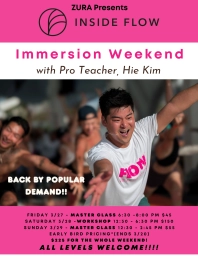



Support is reallyJust sharing in case it’s helpful --Posting this original post via desktop felt easier & smoother for me to do than my iPhone ✨
Support is really helpful too: support@insideyoga.org More ...
• Visit InsideFlow.com
• Click the top right menu (☰)
• Tap the + next to Manage
• Select Create an Event
•𝙃𝙤𝙬 𝙩𝙤 𝙖𝙙𝙙 𝙖𝙣 𝙀𝙫𝙚𝙣𝙩 𝙛𝙤𝙧 𝙄𝙣𝙨𝙞𝙙𝙚 𝙁𝙡𝙤𝙬
• Visit InsideFlow.com
• Click the top right menu (☰)
• Tap the + next to Manage
• Select Create an Event
• Follow the prompts
→ Be sure to read the notes under each section—they’re actually helpful.
Tip:
Right now, only the title and date show in the main list view.
To make your event clear at a glance, consider including:
• Online or in-person
• Day of the week
• Location
• Class length
• Time + timezone
Platform Note:
“Set a meaningful title for your event. It is recommended to include the name of the teacher(s) and the language.
Example: Weekly Inside Flow Class with Teacher XY (English)”
For online classes:
• Set your location as your country
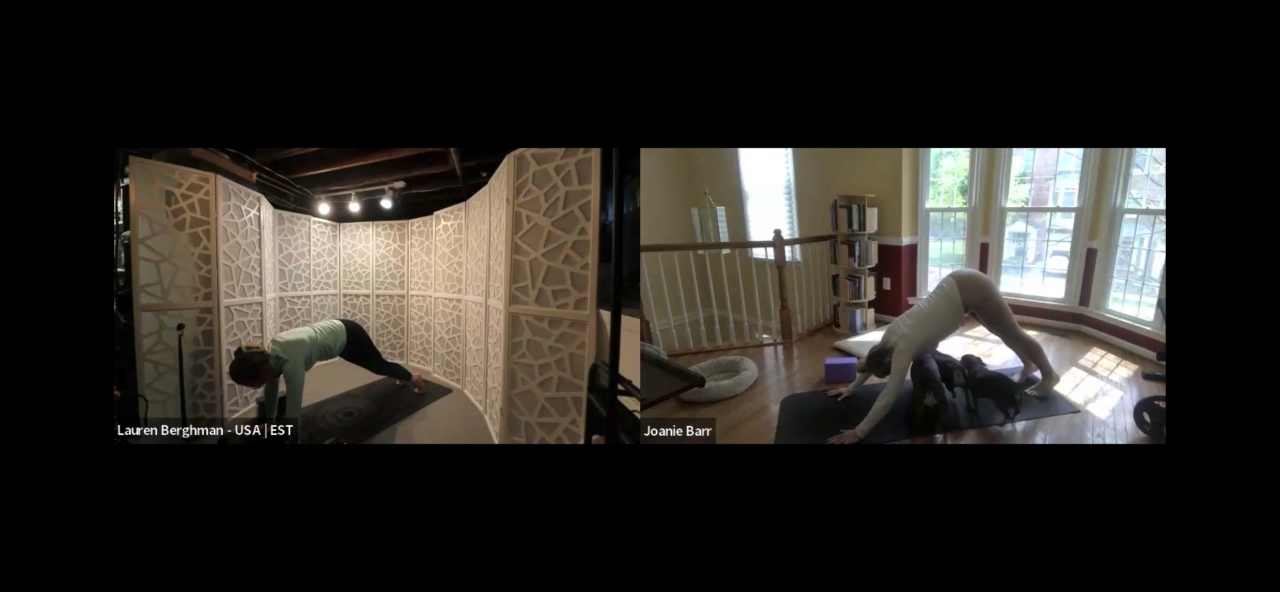
• You can also add “Online Class” + your name in the title for clarity, since it doesn’t show clearly otherwise (for now)
Still experimenting with what works best, but this has been helping so far ✨ More ...